 Showpiece
The App Store screenshot generator for Mac
Stop rebuilding screenshots by hand. Design the set once in Showpiece, and it exports every size for every device and language you ship.
Free to download and design with. Exporting and uploading need Showpiece Pro. Requires macOS 26.5 or later.
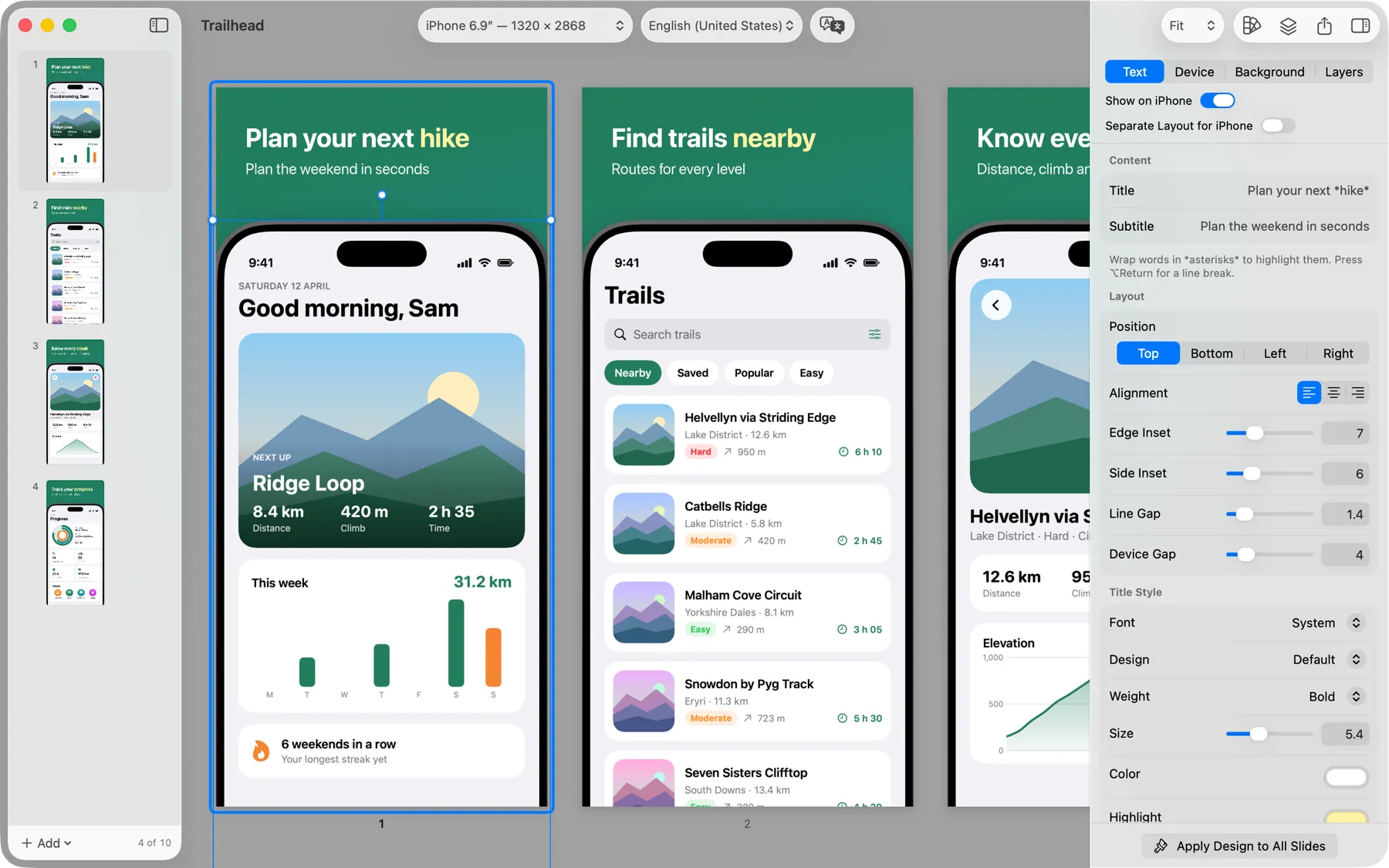
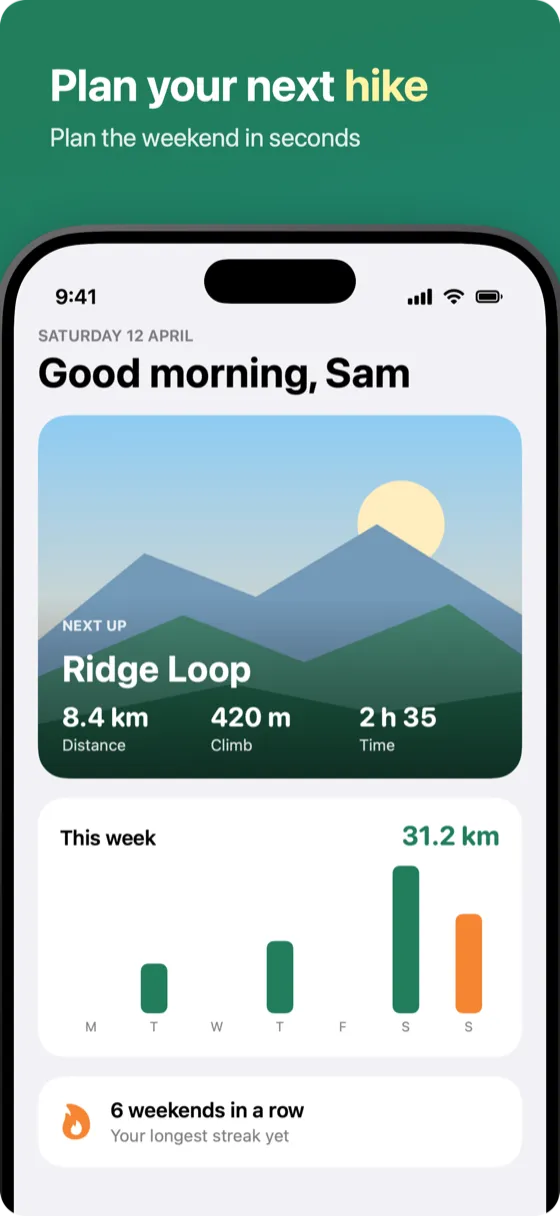
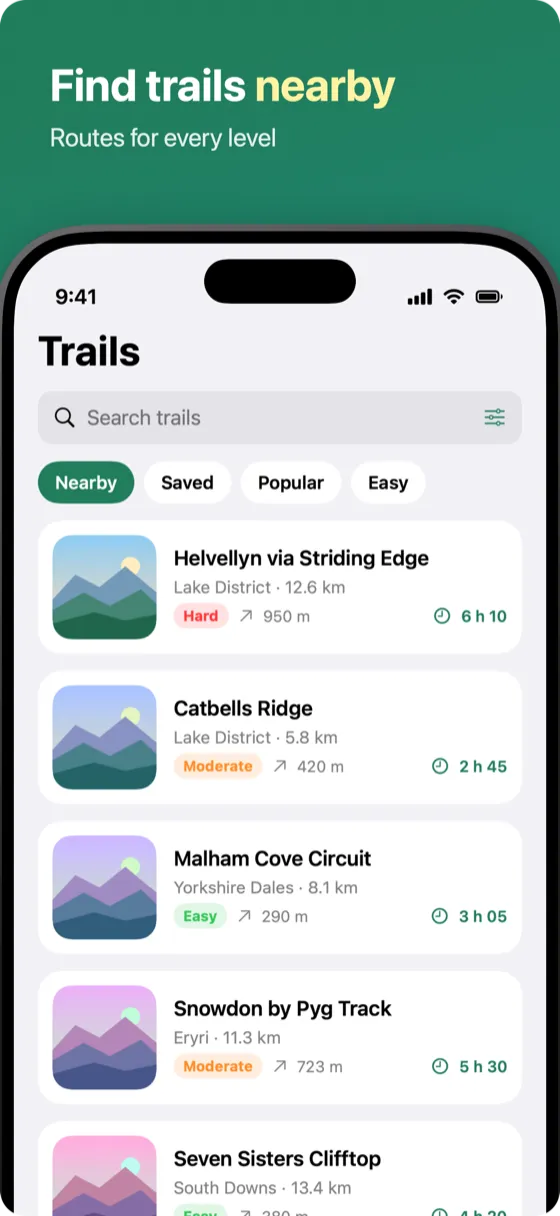
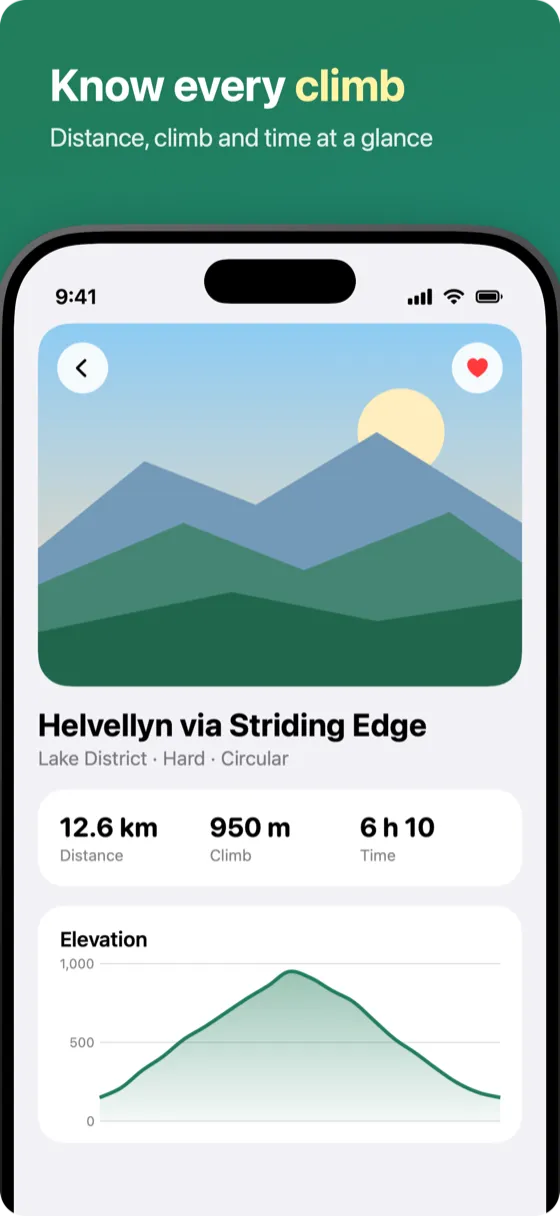
From raw screenshots to your listing in three steps
Add your screenshots
Drag in screenshots of your app, or have your coding agent bring them in. Any language can have its own.
Choose a look, write captions
Pick a preset, adjust what you like, and give each slide a short caption. Wrap a word in asterisks to highlight it.
Export or upload
Export the sizes App Store Connect needs, or send the set straight to your listing.
Start from a template, then change anything
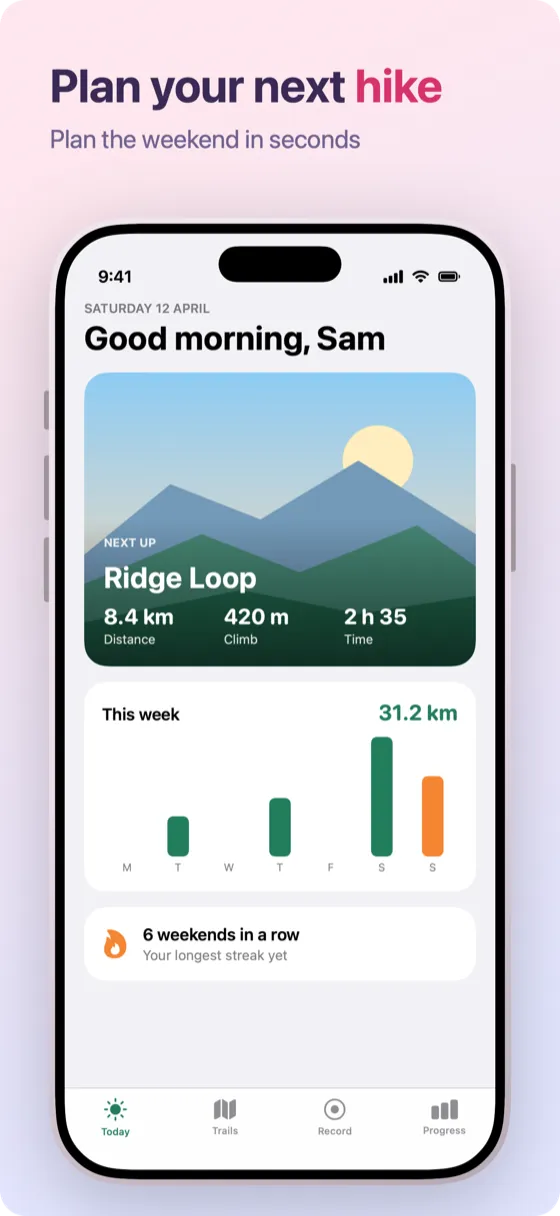
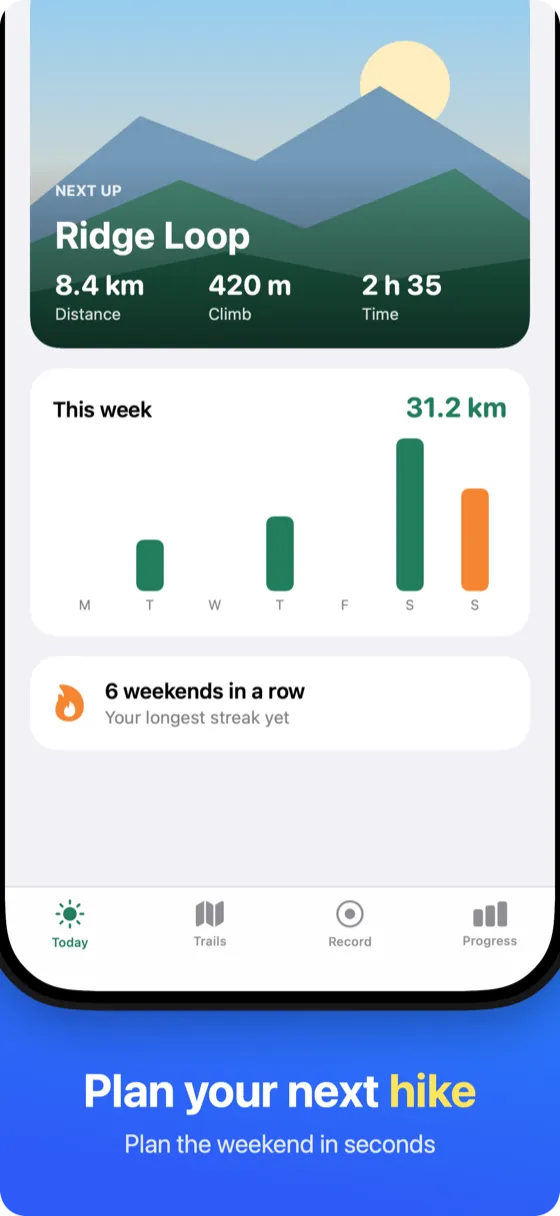
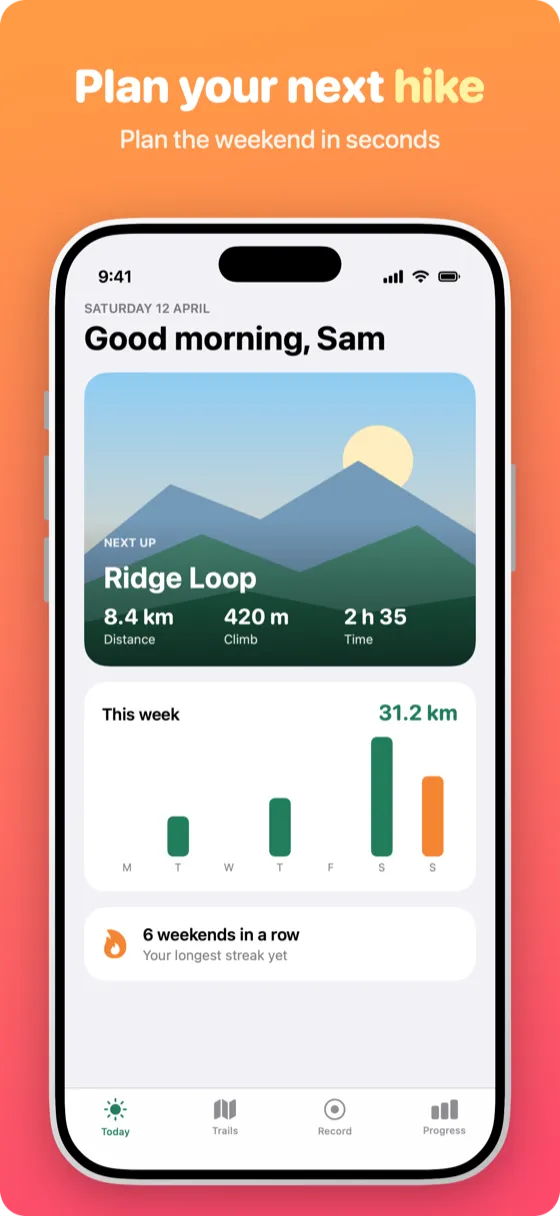
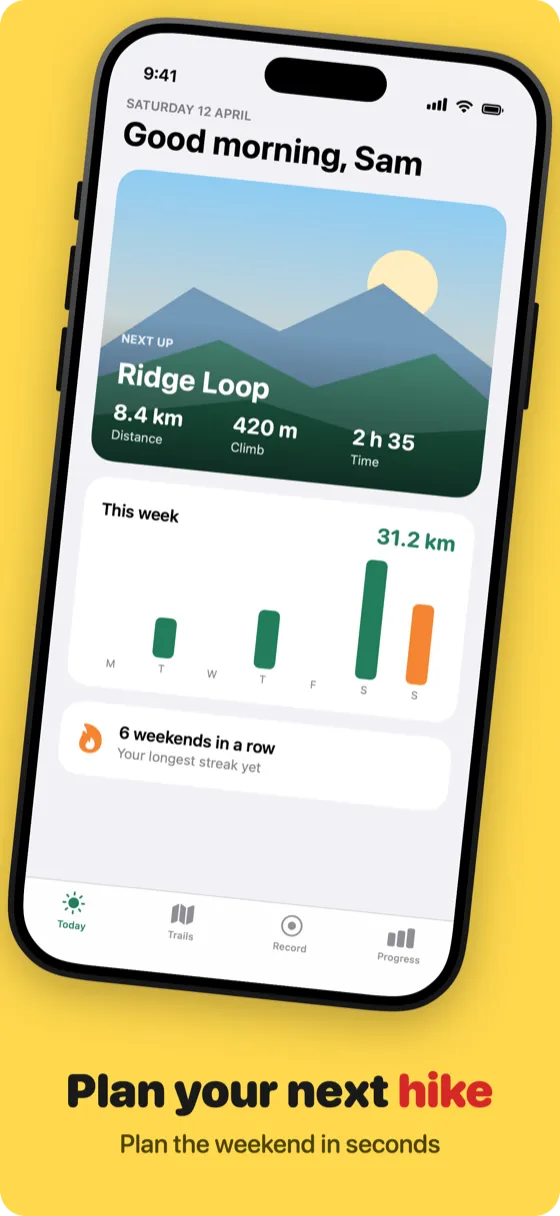
Thirteen templates give you a finished look straight away. Every detail stays editable, so the set still looks like your app.
- Device frames in several finishes, or the bare screenshot
- Fonts, colors, gradients, background images and shadows
- 3D angles that fan across the set
- Extra devices, badges and text on any slide
One project for every Apple device
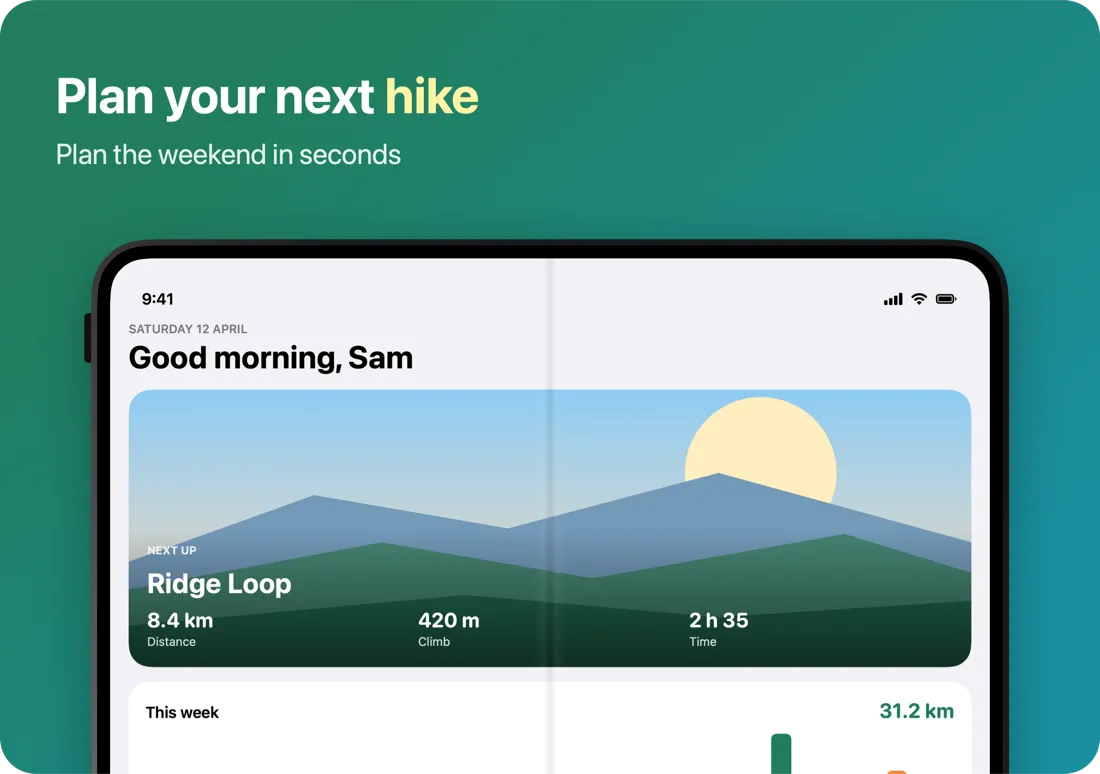
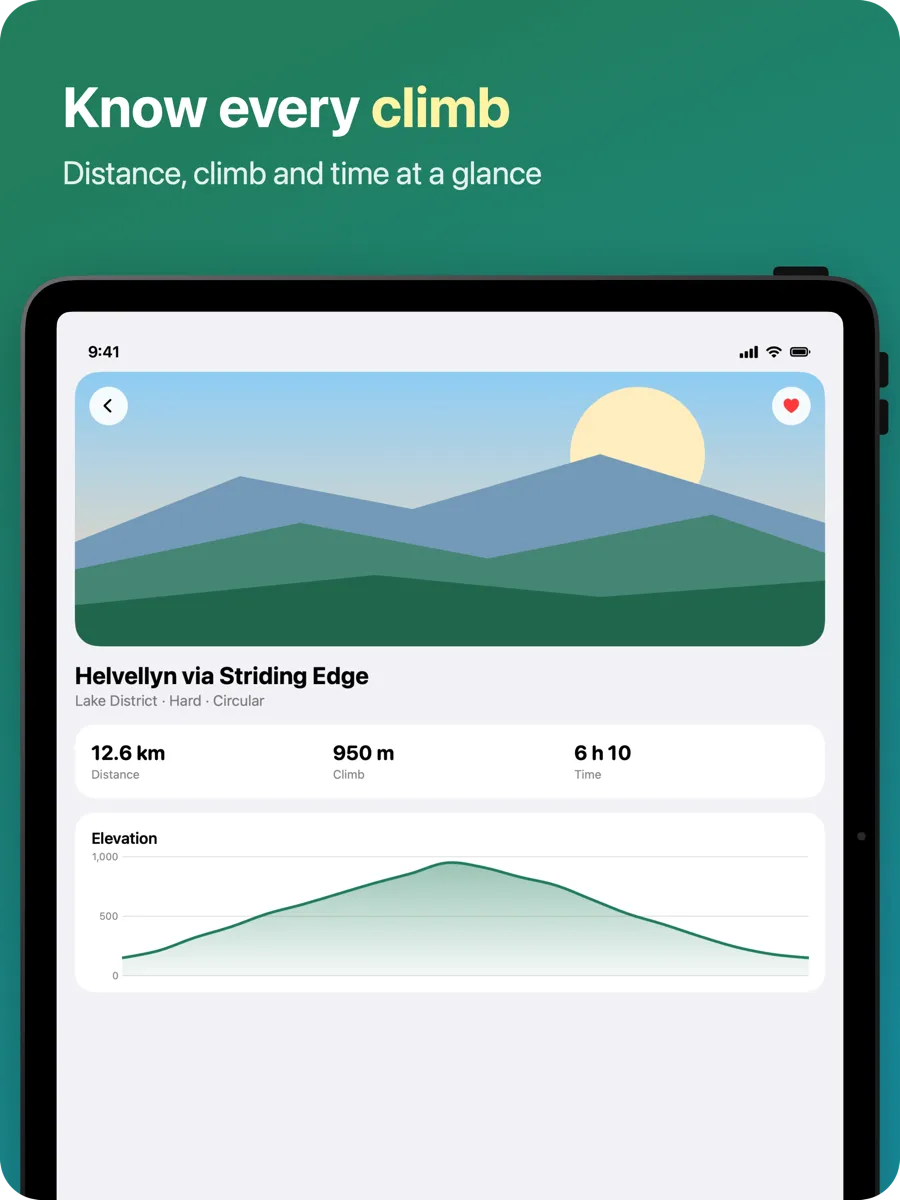
iPhone, iPad, Mac, Apple Watch, Apple TV and Apple Vision Pro each get the right frame and the sizes App Store Connect needs, including both iPhone Duo displays.
- A layout of its own for any device that needs one
- Portrait or landscape, device by device
- Panoramas that run across neighboring slides
Localize without starting over
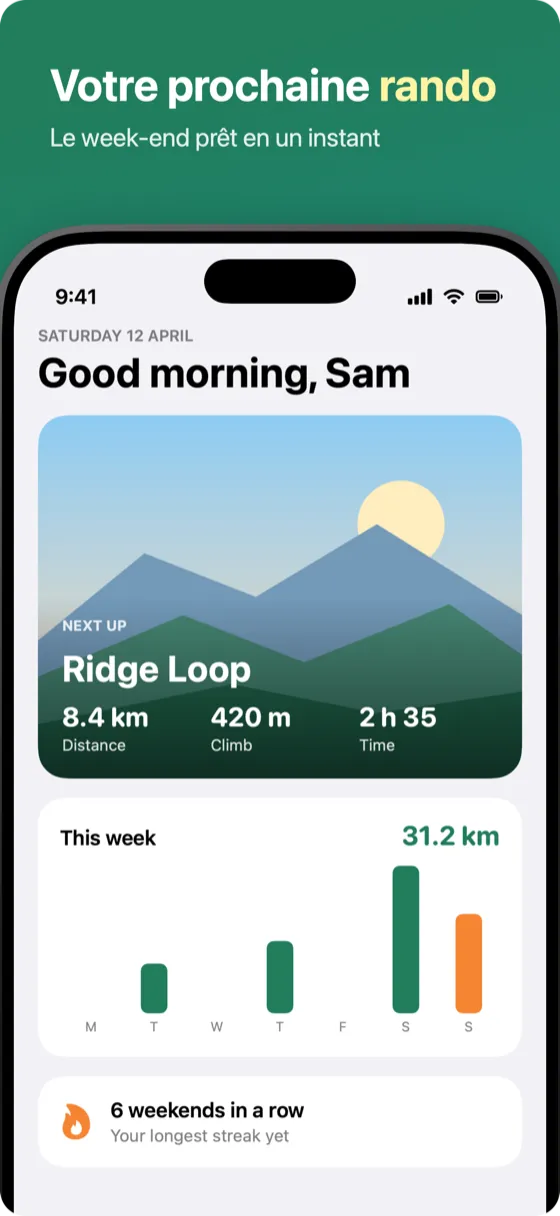
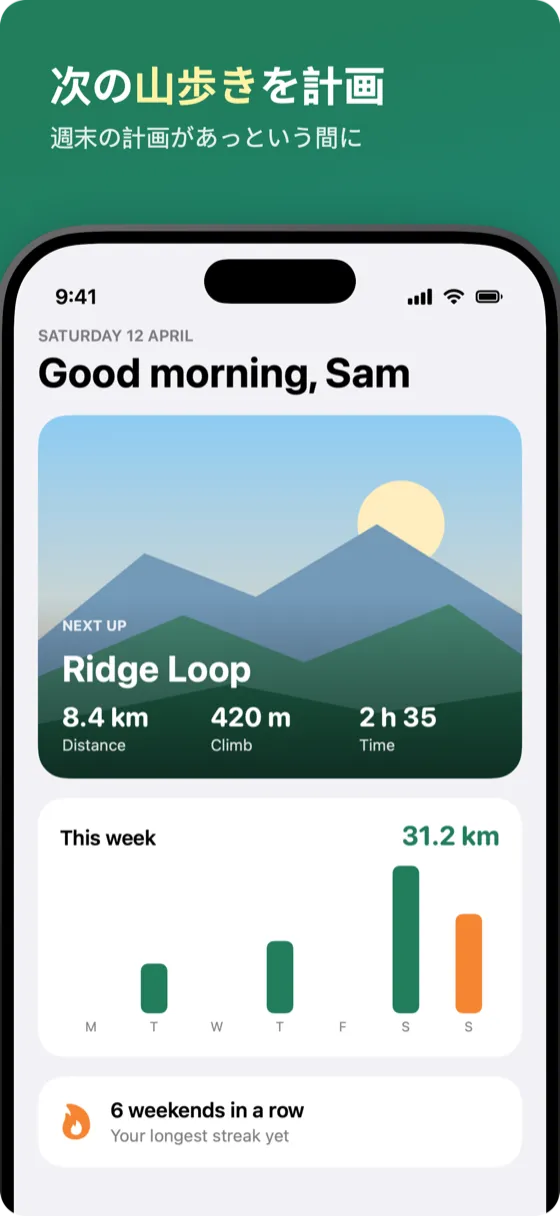
Your design carries over to every language. Translate the captions on your Mac with Apple Translation, then check them before you export.
- Screenshots of its own for any language that needs them
- A warning when a translation runs longer than the original
- Up to 10 screenshots per device in every language
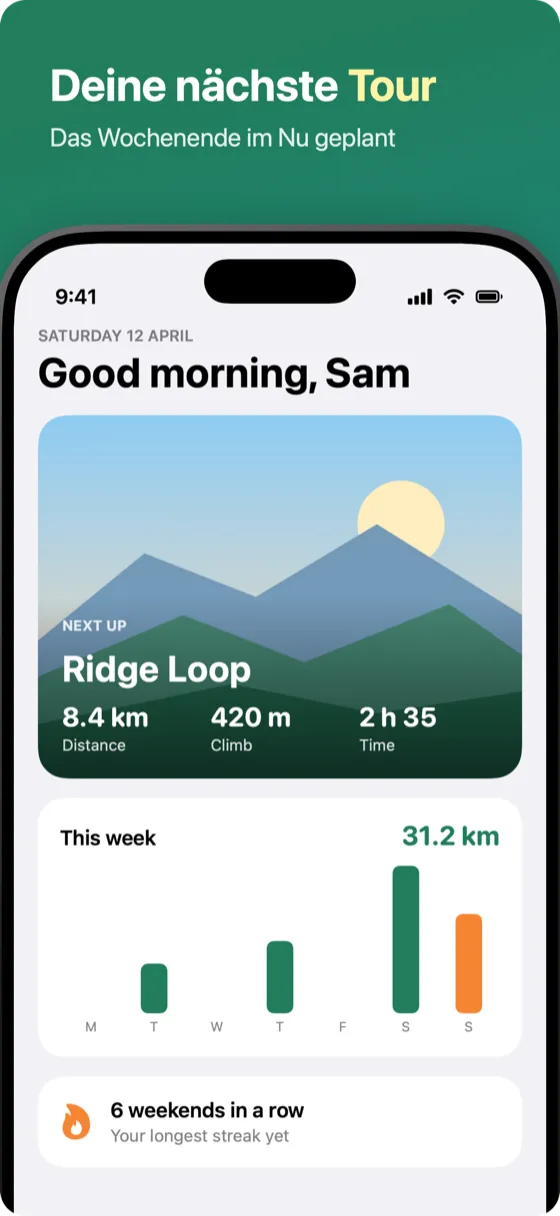
Ready for the new product page
Design the product page header and search results images next to your screenshots, with guides that show where Apple crops each one.
- Header (21:9) and search results (3:2) images
- Uploaded with the rest of the set
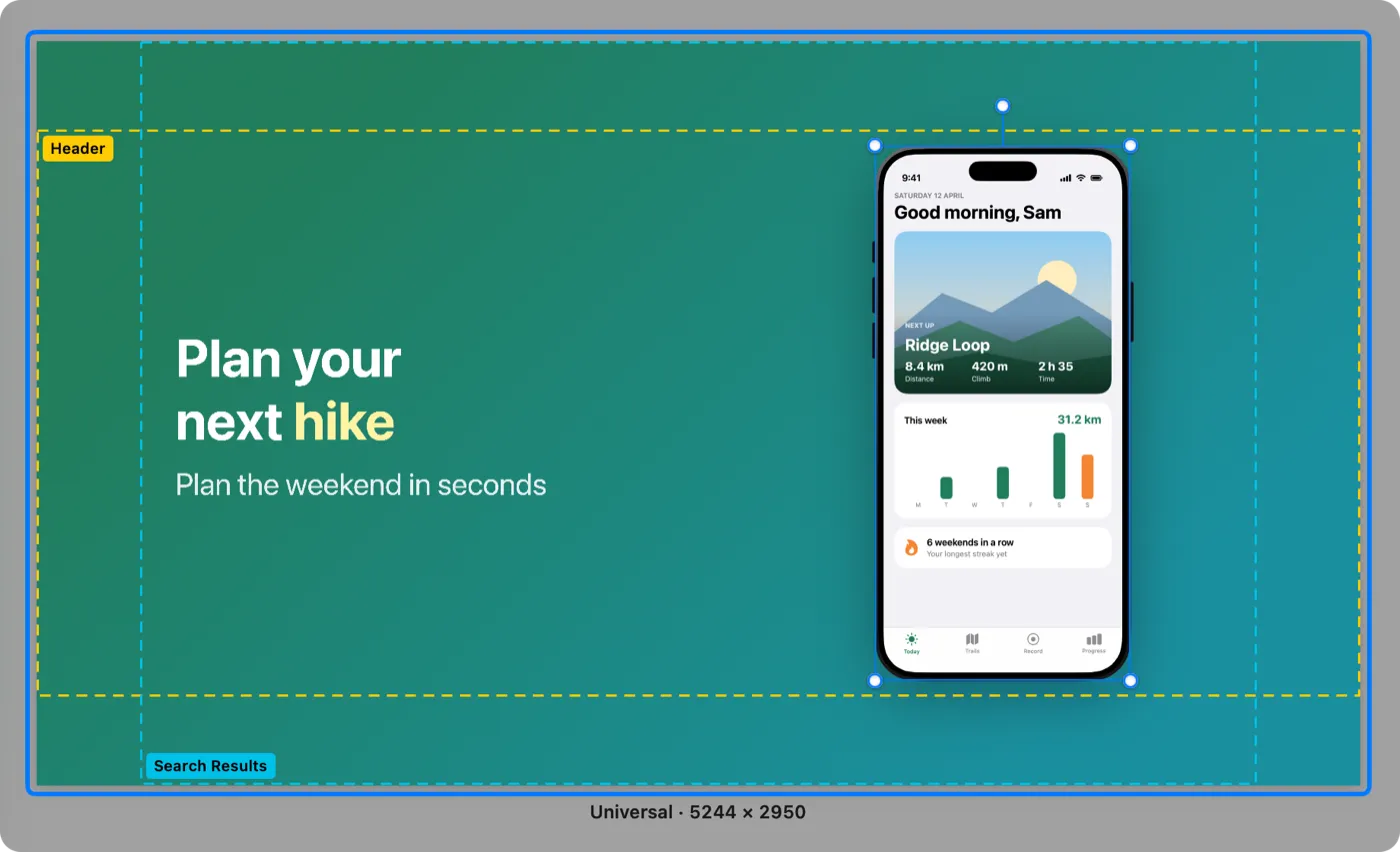
Send the set straight to App Store Connect
Add your App Store Connect API key once. Showpiece uploads the finished set to your listing and leaves everything else alone.
- A new version, a custom product page or a product page optimization treatment
- Only images that changed are sent
- Or export files arranged for fastlane deliver and upload them yourself
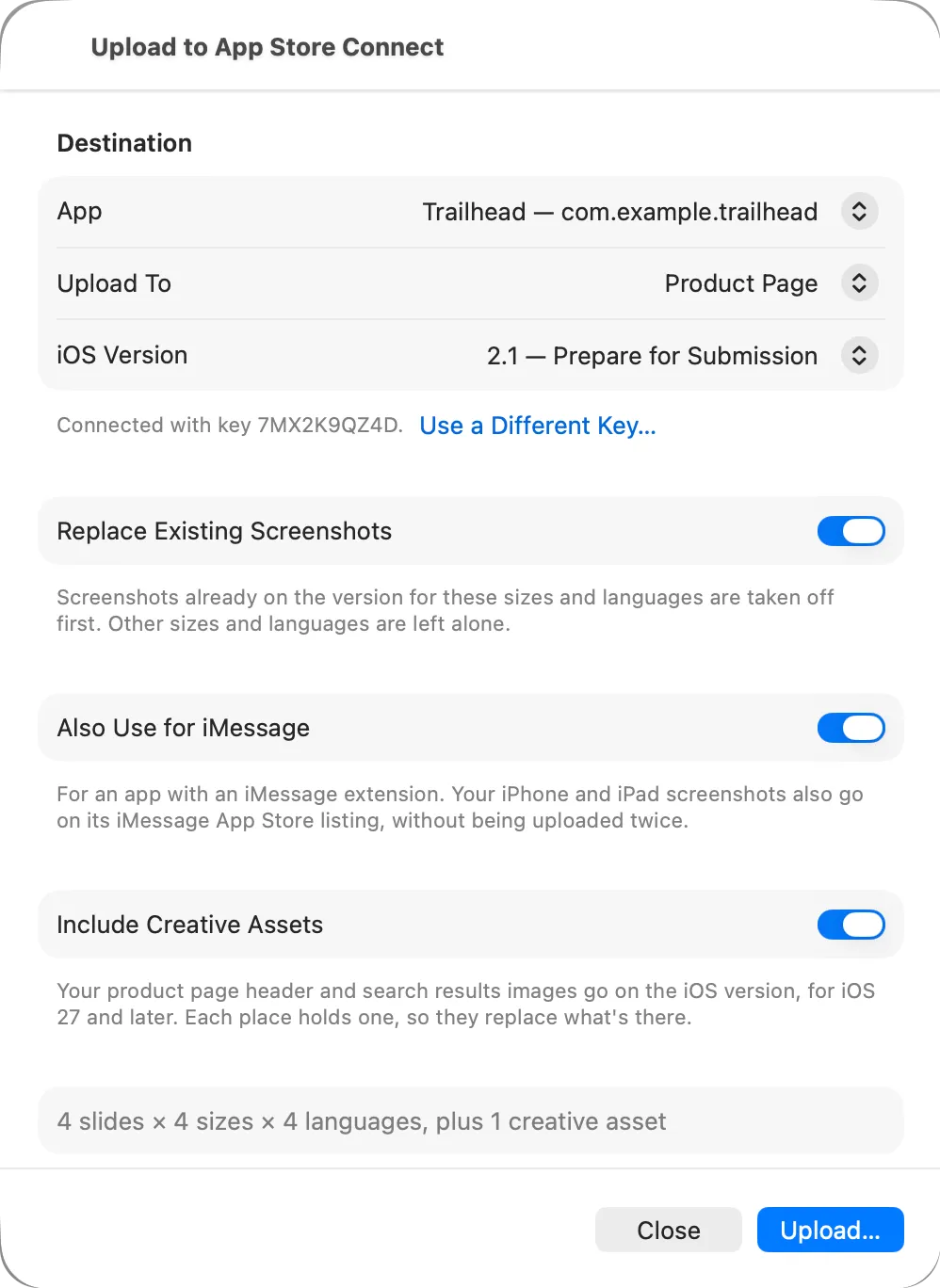
Let your coding agent handle each release
Showpiece has a command line made for coding agents. Yours brings in new screenshots and captions for every release, and your design stays as you set it.
- Help › Use with Coding Agents writes the prompt for you
- Agents export; uploading stays with you
$ showpiece apply showpiece.json --export fastlane/screenshots
Updated AppStore.showpiece
  1. home: updated (text: en-US, fr-FR, de-DE)
  2. trails: updated (screenshots: iPhone, iPad)
Exported 48 files to fastlane/screenshots
Every App Store screenshot size, in one table
All 43 sizes App Store Connect accepts, by device, which ones are required, and the new iOS 27 image sizes. Checked against Apple's specifications.
Questions
Is Showpiece free?
Designing is free: every preset, frame and language. Exporting and uploading the finished images need Showpiece Pro, an in-app purchase. The App Store shows the current plans and prices.
Which devices does it make screenshots for?
iPhone, iPad, Mac, Apple Watch, Apple TV and Apple Vision Pro, including both displays of iPhone Duo, at the sizes App Store Connect needs for each.
Can it upload to App Store Connect?
Yes. With your own App Store Connect API key, Showpiece uploads to a version you're preparing, a custom product page or a product page optimization treatment, and only sends the images that changed.
Does it work with fastlane?
Yes. Exports are named and arranged the way fastlane deliver expects, so you can keep uploading with your existing lanes.
Can a coding agent update my screenshots?
Yes. Showpiece has a command line for coding agents. Your agent can bring in new screenshots and captions for each release without changing your design. Agents never upload; you do.
Where are my projects kept?
On your Mac. There's no account, and Showpiece never receives your screenshots or captions.

Get Showpiece
Free to download and design with. Exporting and uploading need Showpiece Pro.
